
Somewhere on your network there is a file called something like FINAL_v7_USE_THIS_ONE.xlsx.
It has fourteen tabs. Tab 4 is the option matrix. Tab 9 is the pricing uplifts. Tab 11 is where someone started building a lookup table in 2019 and then, understandably, stopped. Nobody touches tab 14. And the only person who fully understands how the whole thing hangs together is on annual leave — possibly on a beach, possibly not coming back.
This is the configure-to-order manufacturer's natural habitat. You don't make one product; you make a space of possible products, and every quote is a small act of navigation through it. The spreadsheet isn't there because anyone thinks spreadsheets are good at this. It's there because the alternative — an ERP that insists every sellable thing must be a separate product code — was worse.
Odoo handles this differently, and it's worth understanding how, because the difference between a variant setup that hums and one that collapses under its own weight comes down to about four decisions.
The maths nobody signed up for
Here's the uncomfortable arithmetic at the heart of CTO. Options don't add. They multiply.
Say you build a materials-handling unit with five choices: frame size (4 options), drive type (3), voltage (3), control package (4), and finish (5). That's not nineteen products. It's 4 × 3 × 3 × 4 × 5 = 720 possible configurations. Add one more three-option attribute and you're past two thousand.
That's not a product range. That's a lottery.
The traditional ERP response is to make you create all 720 as individual product records, at which point your item master becomes unusable and someone quietly opens Excel instead. Odoo's response is to separate two things that spreadsheets smoosh together:
- An attribute is the question — 'What voltage?'
- A value is one possible answer — '415V three-phase.'
- A variant is one complete set of answers — a single, specific, buildable machine.
On the product record, the questions live in Product Attributes (attribute_line_ids), and Odoo flags the item as a configurable product once they're there. Each variant it generates carries the specific answers that define it. Get this vocabulary straight with your team and half the confusion evaporates before you've configured anything — most 'variant chaos' is really a pile of answers with no agreed questions.
Decision one: which questions should create a product at all?
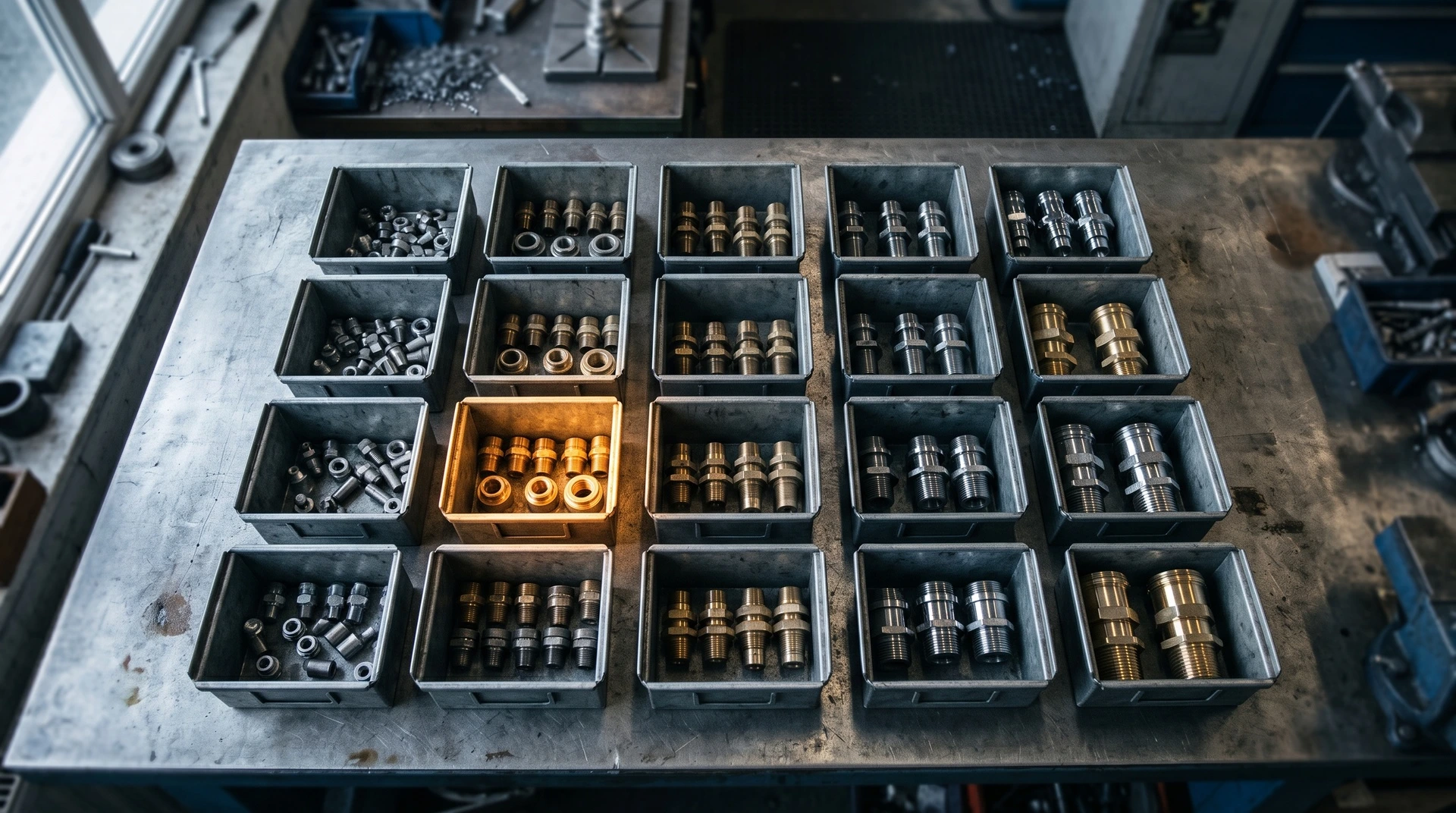
This is the setting that decides whether your catalogue stays sane, and it's the one most implementations get wrong. For each attribute, Odoo lets you choose how variants get created:
- Instantly — every combination becomes a real product record the moment you save. Fine for a few dozen. Catastrophic at 720.
- Dynamically — the variant record is created only when someone actually orders that combination. Your 720 possibilities stay possibilities; the forty you've genuinely sold exist as real, stock-tracked, costable products. Think of it as Schrödinger's product: it isn't real until someone orders it.
- Never (option) — the choice is captured on the order line but doesn't create a separate product. Perfect for things that change the job but not the part: a finish colour, an engraved plate, a delivery configuration.
For most CTO manufacturers, dynamic is the answer for the attributes that genuinely change what gets built, and never for the ones that don't. That single distinction is usually the difference between a 700-line product list and a 40-line one.
A useful test: would the storeman need to tell these two apart on a shelf? If yes, it's a variant. If no, it's an option.
Decision two: teaching Odoo what can't be built
Here's where spreadsheets really lose. Your 720 combinations aren't all real. The 415V three-phase drive doesn't fit the compact frame. The heavy-duty control package needs the larger enclosure. Roughly a third of that combination space is engineering fiction.
In a spreadsheet, that knowledge lives in a colour-coded grid and in the head of a senior estimator. In Odoo, you declare it: attribute values can exclude other values, so incompatible pairs simply can't be selected together. The salesperson physically cannot configure the impossible machine.
This is the highest-value hour of the whole implementation. Every exclusion you encode is a conversation that never has to happen — the one where a machine reaches the weld bay before anyone notices the drive won't mount. Nobody enjoys that conversation, and nobody enjoys it twice.
Decision three: the variant BOM question
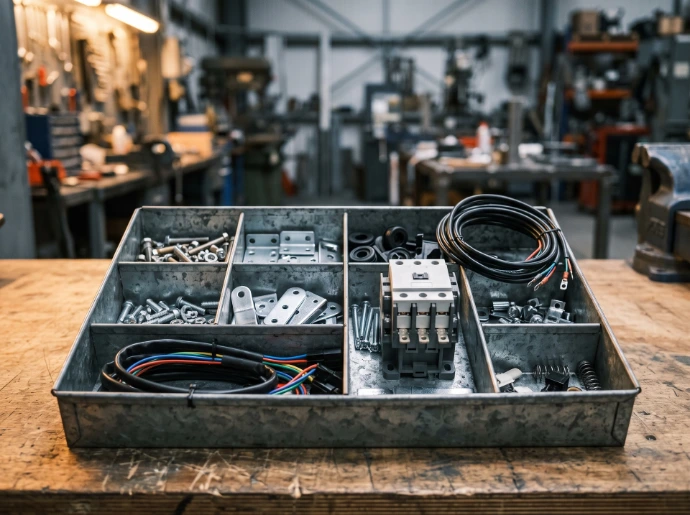
Now the bit that keeps production managers up at night. If you have hundreds of variants, do you need hundreds of bills of materials?
No — and building them that way is the classic CTO own-goal.
There are two workable patterns:
One BOM per variant. Appropriate when variants are genuinely different machines with little shared structure. Precise, but it multiplies your maintenance: change a fastener and you're editing it in ninety places.
One BOM, with lines that know which variants they apply to. This is the pattern that scales. You build a single bill of materials against the product template, and each line can be restricted to the variants it belongs to — the 415V contactor line applies only when 415V is selected, the larger frame rails only on the larger frame. One BOM, one place to maintain it, and each order explodes into exactly the right component list.
Two related mechanics worth knowing:
- Kits (phantom BOMs) don't get manufactured — they explode into their components on the picking instead. Ideal for sub-assemblies you stock as parts but sell as a bundle, and a clean way to keep BOM depth manageable rather than nesting five levels of 'assembly.'
- Per-variant supplier pricing exists too (
variant_seller_ids), so the vendor and price can differ by variant rather than being averaged into a fiction.
Decision four: the accessory matrix
Options that bolt on rather than change the build are a separate problem, and they're where margin quietly leaks. Guarding kits. Spare-parts packs. Extended warranty. Installation.
Odoo carries these as Optional Products (optional_product_ids) on the product itself. When the machine goes onto a quote, the options come with it as suggestions rather than living in a separate document nobody remembers to open. Combined with per-value price uplifts (price_extra), the quote largely prices itself instead of relying on someone cross-referencing tab 9.
The operational payoff is subtle but real: the accessory list stops being tribal knowledge and becomes part of the product definition. Your newest salesperson quotes the same options as your best one.
Where standard stops and custom starts
Honest answer, because this is where a lot of CTO projects get oversold: standard Odoo handles pairwise compatibility well. Value A excludes value B — that it does cleanly.
What it doesn't do natively is conditional and dependent logic. If the customer picks the heavy frame and the export compliance package, then the control enclosure must upgrade and a second isolator becomes mandatory. That's a rules engine, not an exclusion list. Likewise: attributes whose available options depend on an earlier answer, configurations that need a calculated dimension, or a quote that must generate a drawing pack and a compliance plate reference.
This is the work we do at WMSSoft — extending Odoo's variant foundation with the conditional rules, dependent attributes and guided configurator flows that complex catalogues actually need, and wiring the handoff from a configured quote into production without a re-keying step in the middle. It's also where Australian manufacturers hit specifics: RCM marking, AS/NZS compliance variants, and Australian Design Rules for anything that goes on a road all tend to become attributes in their own right.
Where to start

Don't try to model the whole catalogue in one sitting. Take your highest-volume configurable product and do four things: write down its real questions, decide which ones create variants and which are just options, encode the exclusions your estimators already know by heart, and build one BOM with variant-aware lines. That single product becomes the template for everything else — and, more usefully, it becomes the proof that the spreadsheet was never the point.
If you'd like a hand mapping your option matrix onto Odoo — including the awkward conditional rules that don't fit a tidy grid — that's exactly what we do. Get in touch and we'll work through your actual catalogue, tab 14 included.