
Every warehouse has a possum in the roof. You can't see it, you spend most of the day ignoring it, and then — reliably, at the worst possible moment, usually the afternoon a big order ships — it starts thumping around and reminds you it's been up there the whole time. In a lot of warehouses that possum is manual data entry. The transposed serial number. The 'yeah, that's about forty units' that turns out to be thirty-one. The pick that got ticked off on the clipboard and still went out wrong.
Barcode scanning is how you get it out of the roof. At its heart it does one very unglamorous thing: it replaces 'I'm pretty sure' with 'the system just confirmed it' — and it does that at the exact moment stock moves, not three hours later when someone's reconciling paperwork and quietly muttering about it.
If you're weighing up a barcode-driven setup in Odoo, this is the hands-on version. Hardware, labels, the workflows themselves, and how the Odoo Barcode app actually behaves once it's out on the concrete.
First, match the device to the job (not the other way round)
The temptation is to pick a scanner and then bend your process around it. Do it the other way. Ask how many scans per shift, how far the operator walks, and how rough the environment is — then choose. Broadly, you've got four sensible options:
- A phone or tablet with the camera. The Odoo Barcode app runs in a browser, so any modern device can scan straight away. Cheapest way to start, genuinely fine for low volumes, and a good way to prove the workflow before you spend real money. The trade-off is speed and stamina: camera focus is slower than a laser, and batteries don't love a full picking shift.
- A Bluetooth ring or wearable scanner paired to that phone. Hands-free, fast, and your pickers keep both hands for the actual boxes. A big jump in comfort for a small jump in cost.
- A rugged mobile computer — think Zebra or Honeywell. These are Android devices with a real scan engine built in, drop-rated, glove-friendly, with hot-swap batteries so a flat one doesn't strand a picker mid-aisle. This is the workhorse for high-volume floors.
- A fixed USB scanner at the packing bench or receiving desk. It behaves like a keyboard — plug it in, scan, the number appears. Perfect for stations where the work comes to the operator rather than the operator roaming.
One thing that quietly decides all of this: Wi-Fi coverage. A scanner is only as good as its connection, and the far corner of the mezzanine where the signal dies is exactly where someone will need to confirm a pick. Sort the dead spots before you sort the devices.
A quick vocabulary note that saves arguments later: a 1D barcode is the classic striped one; a 2D code (QR or Data Matrix) is the square pattern. A 2D imager reads both, copes better with a scuffed or half-torn label, and holds far more information in a smaller footprint. If you're buying today, buying 2D-capable is the version of 'measure twice' that you'll thank yourself for.
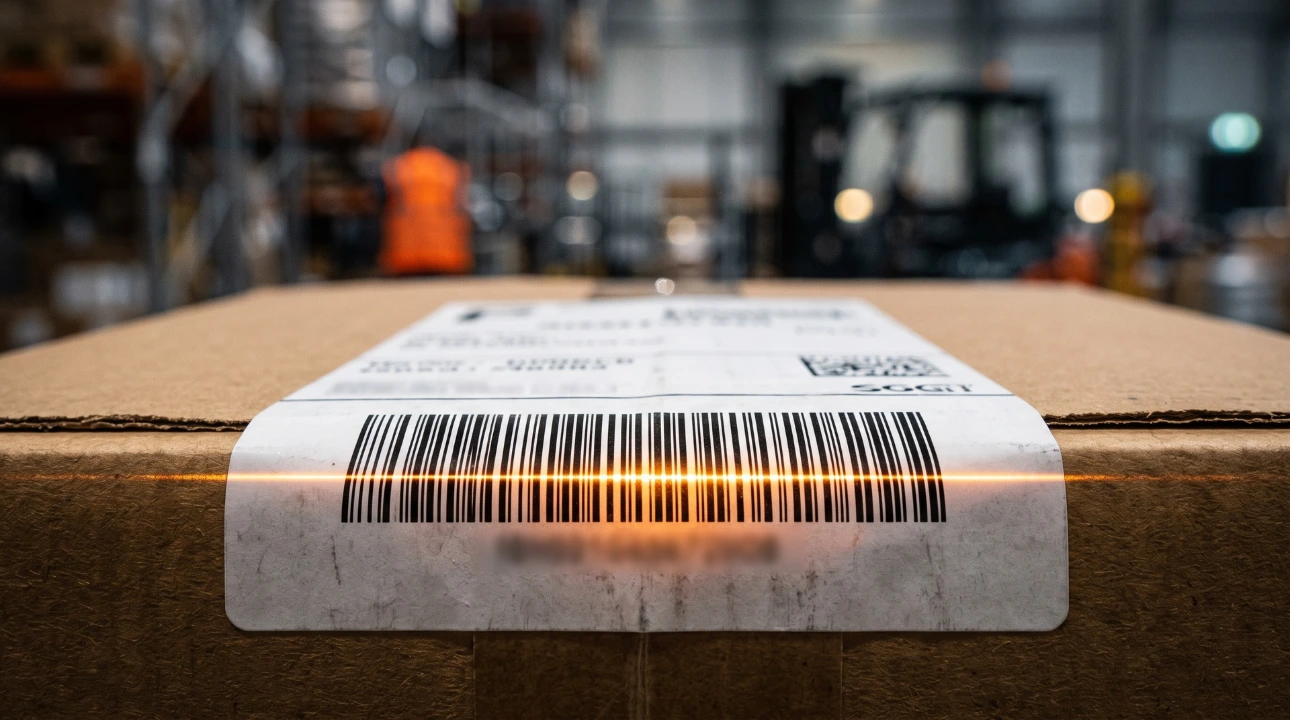
Labels: the part everyone underestimates
Nobody gets excited about labels, which is precisely why they're where projects come unstuck. A few decisions do most of the heavy lifting:
What the label says. For internal movement, plain Code 128 is compact and reliable. When you need one label to carry the product number plus its batch, expiry and quantity, that's GS1-128 — the standard that lets a single scan populate several fields at once (a lifesaver for food, beverage and anything with a use-by date).
The GTIN here is just the global product number that lives under a retail barcode; GS1 Australia is who you go to for your official number range if you're selling through retailers.
How the label is printed. Direct thermal labels are cheap but fade with heat and time — fine for a carton shipping tomorrow, a poor choice for stock that'll sit in the rack for a year or ride around a cold store. Thermal transfer uses a ribbon and lasts. Match the label to how long it has to survive.
Where the label goes. Consistency beats cleverness. Same corner, same orientation, every time, so a picker isn't hunting for it. For location labels on racking, print them large enough to scan from a forklift at height, and label the aisle ends too. And respect the quiet zone — the clear margin around a barcode. Crowd it with other print and the scanner gets confused, the same way you would if someone started talking over the top of you.
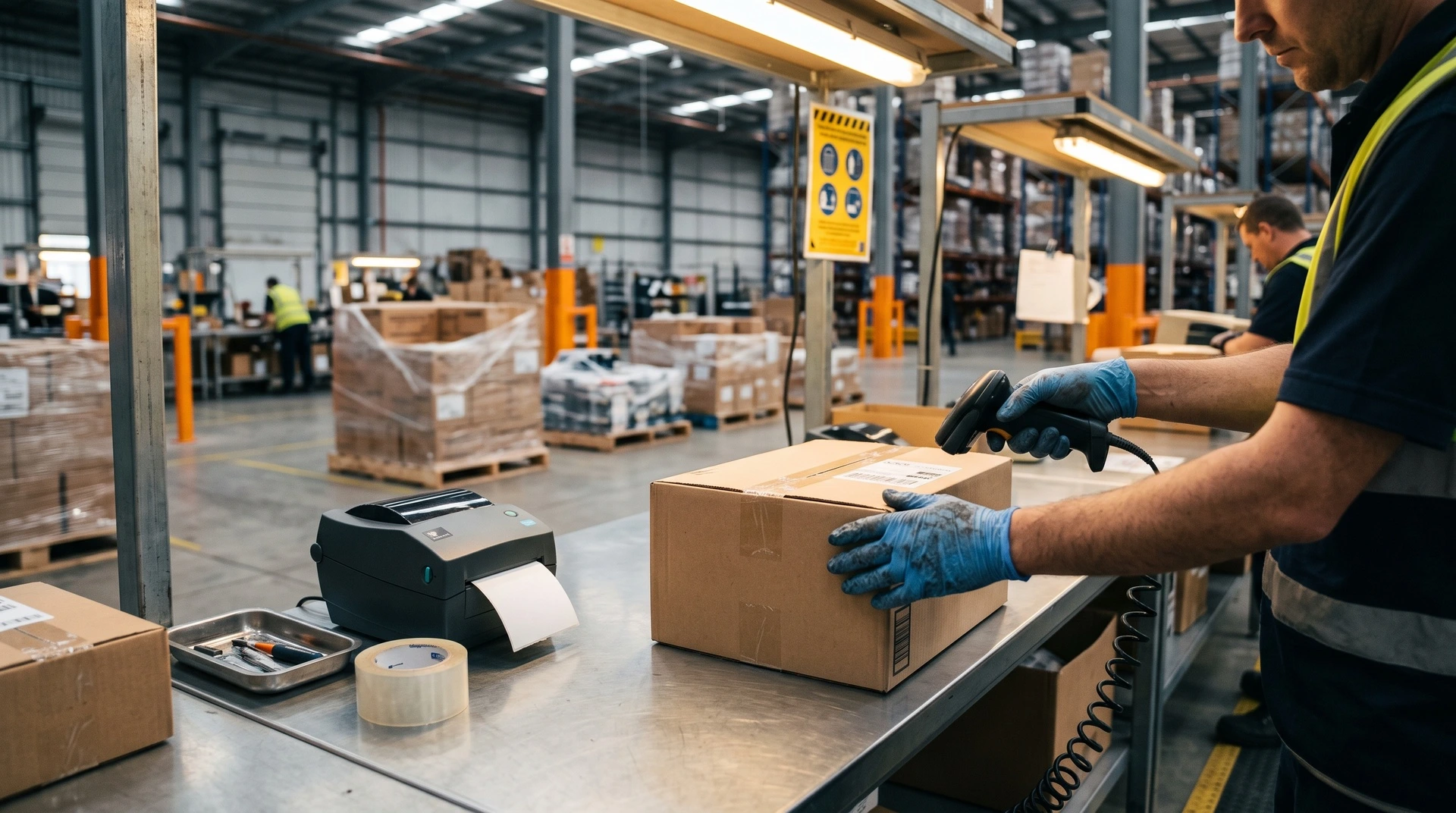
The workflows, from back door to loading dock
This is where scanning earns its keep, because every scan is a small check that the right thing is happening.
- Receiving: scan the incoming goods against the purchase order, scan the lot or expiry as they land, and Odoo flags a mismatch before it becomes next month's problem.
- Put-away: the app directs stock to the right location using your storage rules, so the new starter doesn't invent a filing system of their own.
- Picking: whether you're doing single orders, batches or waves, the app walks the operator to the location, confirms the product, and checks the quantity. Scan the wrong shelf and it tells you — politely, but firmly.
- Packing: scan items into a package, and Odoo can generate an SSCC — essentially a unique licence-plate number for that whole carton or pallet, so the entire package can be tracked as one unit.
- Dispatch: validate the delivery, scan the package onto the shipment, print the carrier label. The order that leaves is the order that was checked.
The through-line is simple: mistakes get caught at the point they happen, when they cost seconds to fix, instead of at the customer's back door, when they cost a phone call and some goodwill.
The Odoo Barcode app, doing the actual work
Here's the part that surprises people evaluating options: this is native. There's a dedicated Barcode app in Odoo, and it runs guided flows for receipts, internal transfers, batch picking, deliveries, inventory counts and manufacturing — no bolt-on WMS product wedged on top. Your inventory brain and your scanning hands are the same system, which means one source of truth rather than two systems arguing about who's right.
The setting worth knowing about is barcode nomenclature. Switch on the GS1 nomenclature and Odoo learns how to read a GS1-128 label, so one scan of a single label populates the product, the lot, the expiry and the quantity in one motion. Configure it once, and the floor just works.
Where to actually start
You don't need to barcode the entire operation on day one — in fact, please don't. Pick the workflow that hurts most (usually picking or receiving), get it scanning cleanly, and let the wins make the case for the next one. That's the whole art: small, proven steps rather than one heroic weekend that nobody sleeps through.
If you'd like a hand mapping your real pick/pack/dispatch flow onto Odoo — and working out which hardware and labels actually fit your shed rather than someone else's — that's exactly what we do at WMSSoft. Get in touch and we'll walk your process with you, no possum-in-the-roof surprises.